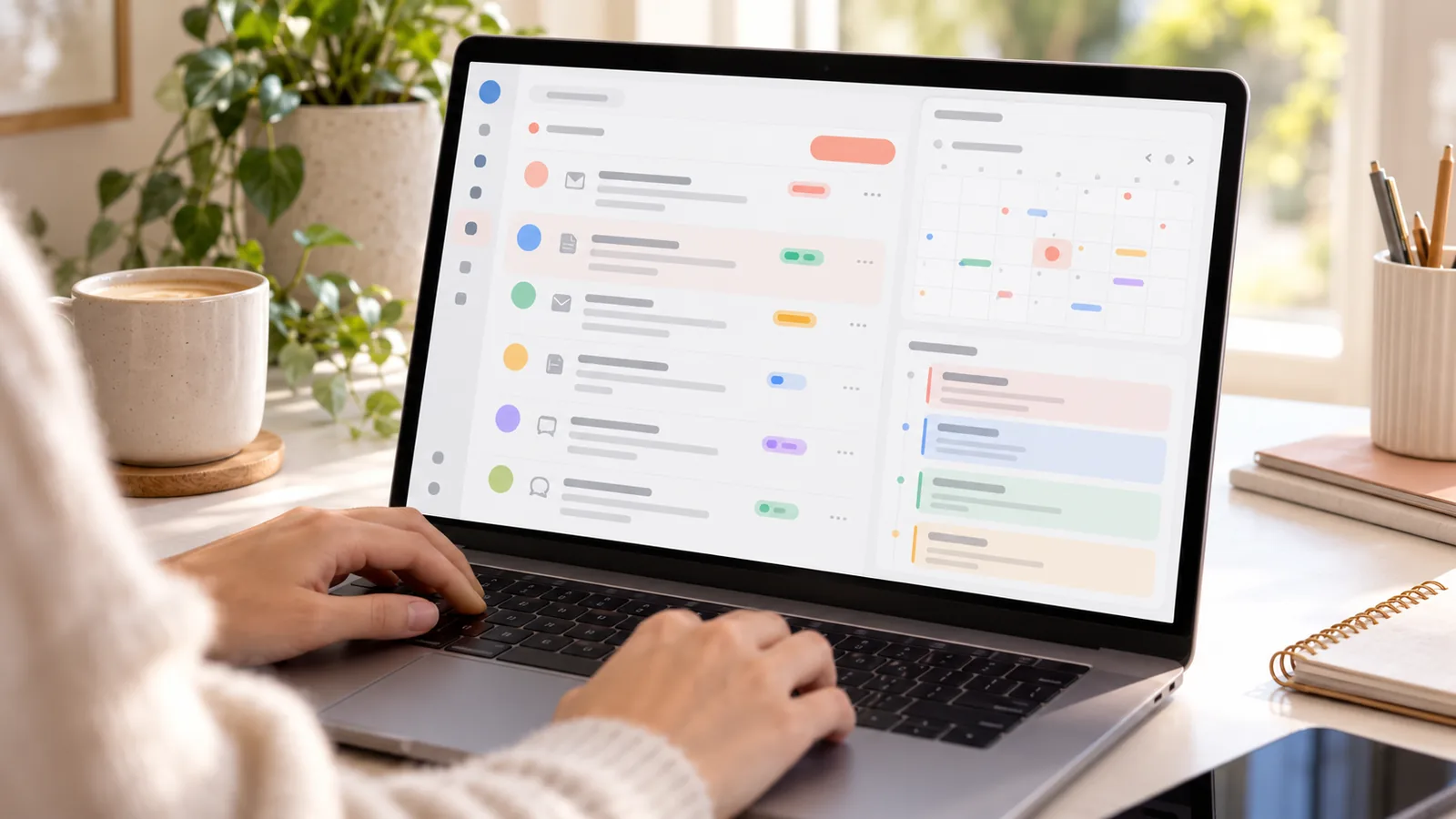
Agent gom yêu cầu đặt lịch từ email, form, tin nhắn về một chỗ
Agent đọc từng yêu cầu, lấy ra tên, dịch vụ, thợ, giờ, hỏi lại chỗ thiếu, và soạn sẵn tin xác nhận chờ bạn duyệt.
Vì sao đáng làm?
Yêu cầu đặt lịch đến từ khắp nơi: email, form trên web, tin nhắn. Bỏ sót một tin là mất khách.
Công cụ cần có
- Zapier Agents
- Gmail hoặc Zapier Forms
- Google Sheets, Google Calendar
Hướng dẫn đầy đủ
### Hướng dẫn hệ thống
```
You are the booking intake assistant for [Salon]. For every new request (email, form, or forwarded message):
1. Extract: name, phone, service, preferred technician, date/time, preferred language (EN/VI).
2. Normalize: date to yyyy-mm-dd, time to 24h, service to the closest item in this list: [services].
3. If any required field (name, phone or email, service, date/time) is missing, draft ONE short clarification message in the customer's language. Do not send it.
4. Check Google Calendar for conflicts with the same technician ±[duration] minutes. If conflict, propose the 2 nearest free slots.
5. Create a row in "Booking queue" sheet with Status = "Chờ duyệt" and the drafted reply.
6. Never create calendar events or contact customers. The owner approves every action.
```
### Quy tắc chống trùng lịch
Mỗi dịch vụ có thời lượng chuẩn; slot coi là trùng nếu chồng thời gian với cùng thợ; luôn chừa 10 phút dọn dẹp.
### Mẫu xác nhận
EN: "Hi {Name}, you're booked for {Service} with {Tech} on {Date} at {Time}. See you soon at [Salon]!"
VI: "Chào {Name}, tiệm đã giữ lịch {Service} với {Tech} vào {Date} lúc {Time}. Hẹn gặp bạn tại [Salon]!"
---
Bản Plus gồm: hướng dẫn hệ thống cho agent, cách tách thông tin chuẩn, quy tắc chống trùng lịch, và mẫu tin xác nhận Anh–Việt.
Có thể bạn cũng thích
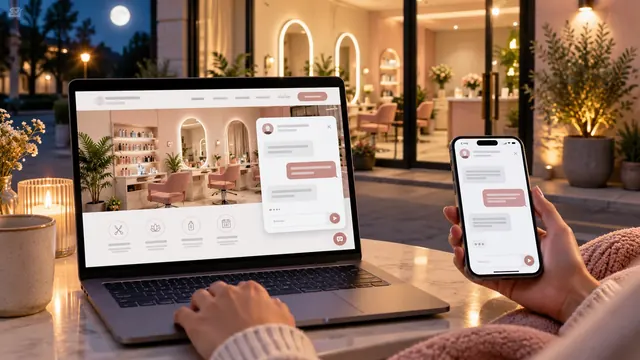
Chatbot tiếng Việt 24/7 miễn phí cho tiệm
Một chatbot trên website trả lời khách bằng tiếng Việt và tiếng Anh về giá, giờ mở cửa, chính sách hủy lịch, kể cả lúc nửa đêm.

Agent tìm vé máy bay rẻ về Việt Nam
Nhờ AI so sánh đường bay, ngày bay, điểm quá cảnh và hành lý về Sài Gòn, Hà Nội, Đà Nẵng, rồi cài báo giá tự động để không bỏ lỡ vé rẻ.

Nhờ AI nghiên cứu như một trợ lý riêng: báo cáo có nguồn trong 10 phút
Giao cho AI tìm hiểu một chuyện phức tạp như bảo hiểm sức khỏe, chương trình mua nhà lần đầu, trường cho con, rồi nhận báo cáo tiếng Việt có link nguồn.